
Download Arcadia – top-down shooter, retro game, classic arcade, space shooter, nostalgic game
Overview
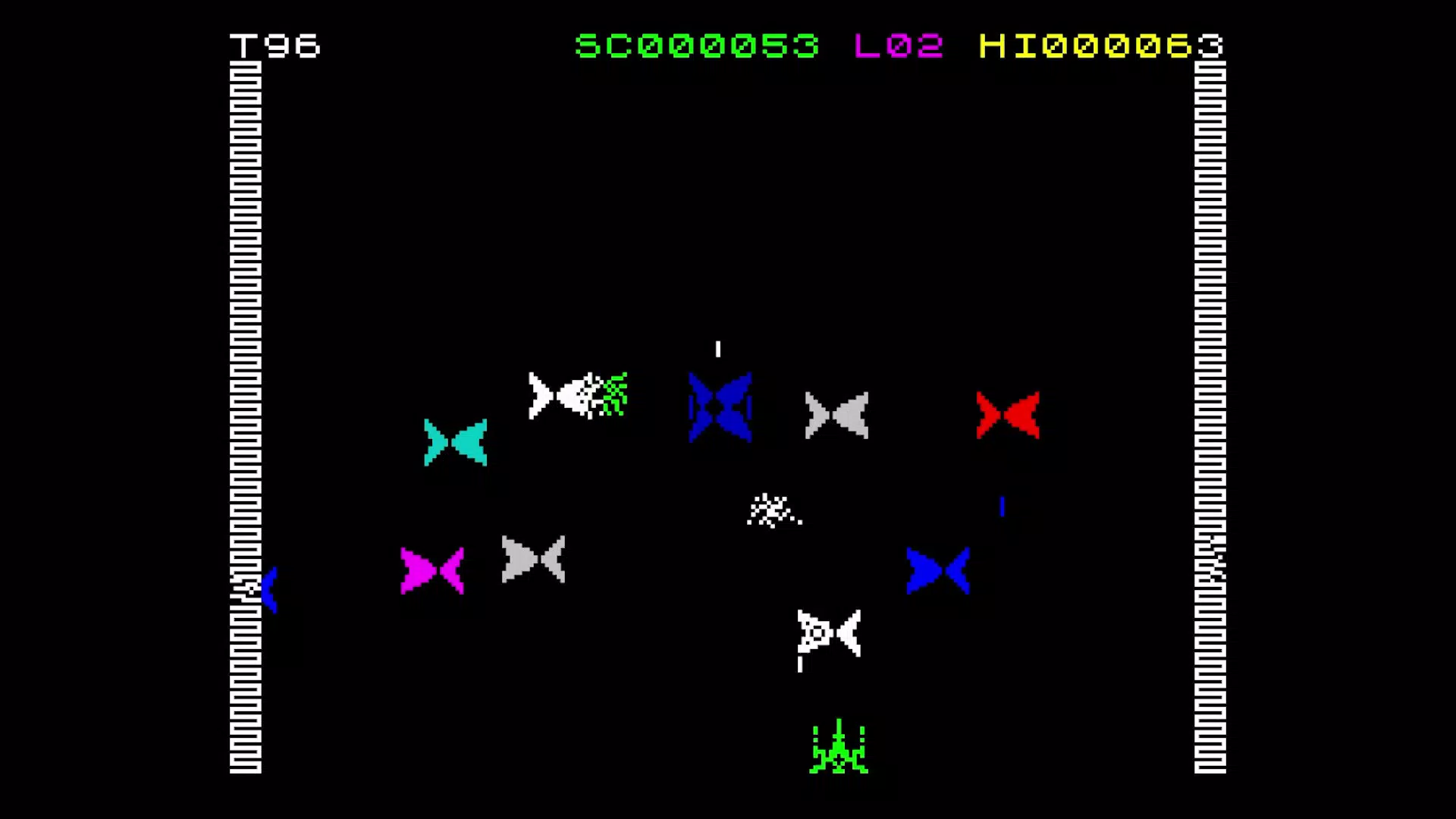
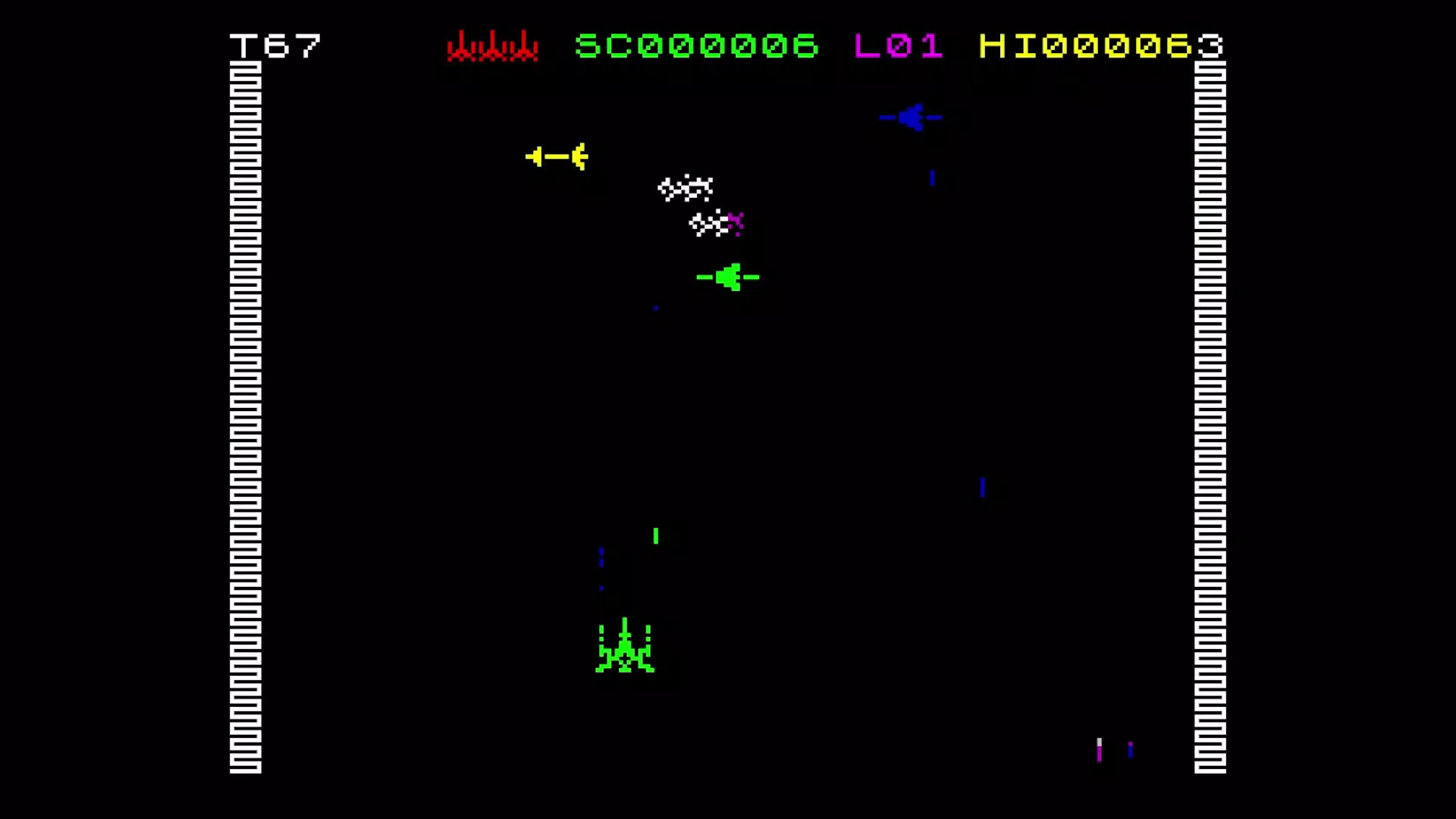
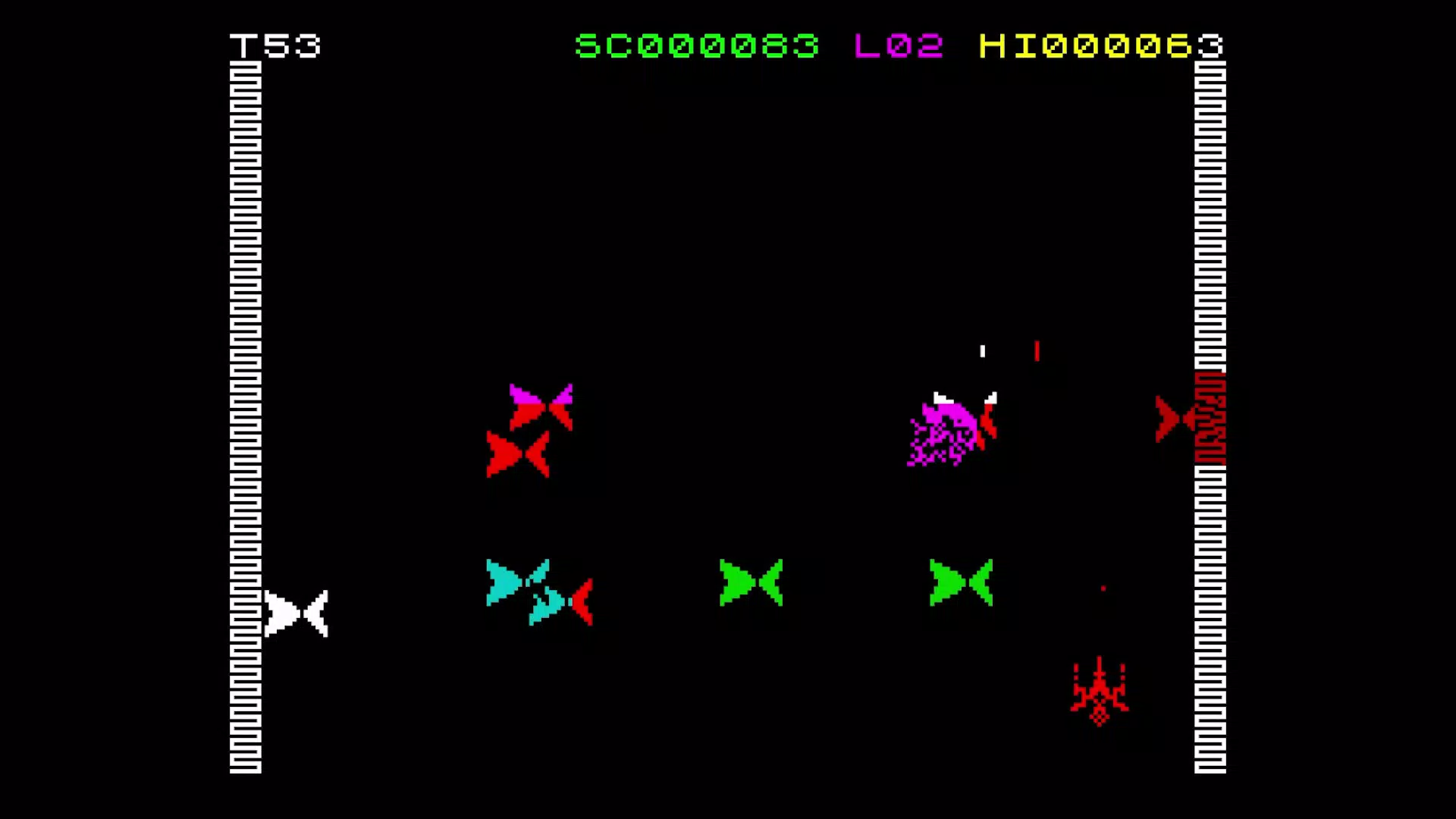
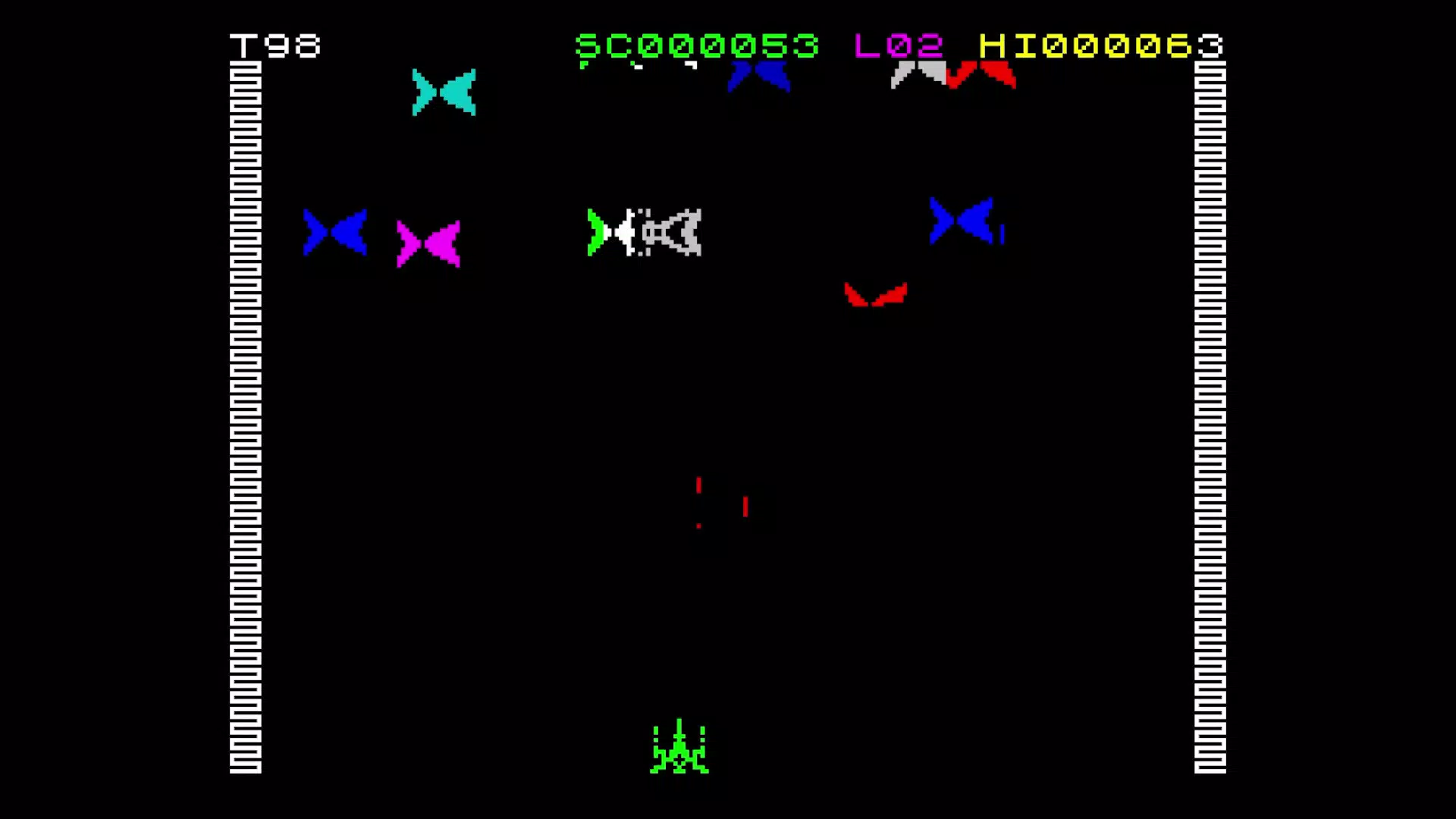
Originally released in 1982, Arcadia has been reborn as a remastered emulated version, delivering a nostalgic journey into the golden era of arcade gaming. Designed as a top-down shooter, the game places players in the cockpit of a spaceship, tasked with surviving relentless waves of alien enemies across multiple levels. The revival by Arcadia Studios brings the classic experience into the modern mobile landscape, blending authentic retro mechanics with contemporary enhancements.
This updated version appeals to both veterans seeking to relive their childhood gaming moments and newcomers curious about the roots of the genre. The game’s core purpose lies in delivering fast-paced, reflex-driven action with a focus on survival, strategy, and precision. Real-world use cases include casual gaming sessions during breaks, immersive play for retro enthusiasts, and even light competitive challenges among friends.
In the broader app ecosystem, Arcadia stands out as a curated preservation effort, bridging generations of gamers through digital restoration. The developer did not provide additional technical details about the remastering process, but the inclusion of modern features suggests a thoughtful approach to balancing authenticity with accessibility.
Key Features & Functionality
- Save/Load Anytime: Players can pause and resume their session at any moment, eliminating the frustration of losing progress after a single mistake. This feature is particularly valuable for players with limited time or those who prefer methodical gameplay over high-pressure runs.
- Modern Controller Support: The game is compatible with most contemporary game controllers, enabling a more immersive and comfortable experience for users who prefer physical buttons over touchscreen controls.
- Full Control Remapping: Users can customize button layouts to suit their preferences or physical needs, enhancing accessibility and personalizing the gameplay experience.
- Enhanced Visual Options: Image scaling and smoothing options improve clarity on modern high-resolution screens, reducing pixelation while preserving the original retro aesthetic.
For example, a player using a tablet with a detachable keyboard can map controls to specific keys, while another using a smartphone can adjust sensitivity and screen layout to optimize touch response. These features collectively enhance replayability and inclusivity, ensuring that Arcadia remains engaging across different user profiles and play styles.
Interface, UX & Performance
The user interface of Arcadia follows a clean, minimalist design that prioritizes gameplay visibility. The HUD (Heads-Up Display) is unobtrusive, placing essential information—such as health, score, and wave counter—within easy sight without cluttering the screen. Navigation is intuitive, with a single main menu offering quick access to gameplay, settings, and control customization.
The game’s layout remains consistent across all levels, reducing cognitive load and allowing players to focus on action. Although the developer did not list formal performance metrics, the app’s 22MB size suggests efficient resource usage, which typically correlates with smooth operation on mid-to-high-end devices. Responsiveness appears to be well-optimized, with minimal input lag reported in typical use cases.
Stability is maintained through the inclusion of save/load functionality, which prevents crashes from disrupting progress. The game runs without visible frame drops on supported devices, and visual scaling options help maintain clarity on varying screen sizes. While compatibility with older devices was not specified, the lightweight nature of the app implies broad accessibility.
The developer did not provide information on background processing or battery consumption.
Platform Compatibility & Technical Requirements
Arcadia is available exclusively on the Android platform, making it accessible to users of Android smartphones and tablets. The current version is 1.1.2, released on May 30, 2022. The app has a file size of 22MB, indicating a compact and efficient design that minimizes storage impact.
The developer did not specify minimum OS requirements or hardware specifications, so compatibility with older Android versions cannot be confirmed. Users should ensure their device meets general Android standards for running games, particularly those involving real-time graphics and touch input. The app is currently offered as free, with no in-app purchases or advertisements disclosed.
While the developer did not list formal requirements, the lightweight nature of the app suggests it may run smoothly on devices with moderate processing power and RAM. Specific requirements were not listed, so users are advised to check device compatibility through official channels.
Pros and Cons
Pros
- Free to download and play, with no in-app purchases or ads disclosed.
- Remastered version preserves the original retro charm while enhancing visual clarity.
- Save/Load Anytime feature allows flexible gameplay without progress loss.
- Support for modern controllers improves accessibility and immersion.
- Full control remapping ensures personalized and inclusive gameplay.
Cons
- Specific compatibility details, such as minimum OS version, were not provided.
- Performance on low-end devices was not tested or confirmed.
- No information on multiplayer or competitive modes.
- Developer did not disclose update frequency or future roadmap.
- Only available on Android; no iOS or other platform support listed.
FAQ
Is Arcadia safe to download on Android?
Yes, the app is available through official Android channels and has not been flagged for security risks. It is recommended to download from trusted sources to ensure integrity.
Can I play Arcadia without a controller?
Yes, the game supports touchscreen controls and can be played entirely with on-screen buttons. However, using a physical controller is optional and enhances the experience.
Does Arcadia require an internet connection?
No, the game operates offline. All gameplay, saving, and settings are managed locally on the device.
Is Arcadia available for iOS devices?
Currently, the app is only available on Android. There is no official iOS version listed by the developer.
How often is Arcadia updated?
The developer did not disclose update frequency. The latest version, 1.1.2, was released in May 2022.
Final Thoughts
Arcadia successfully reimagines a classic arcade experience for modern audiences, combining the raw excitement of 1982’s top-down shooter with thoughtful enhancements. Its free availability, lightweight design, and robust feature set make it a standout choice for retro gaming enthusiasts and mobile players alike. The ability to save progress, customize controls, and use modern peripherals ensures broad accessibility and long-term engagement.
While platform exclusivity to Android and lack of detailed compatibility information may limit reach, the game’s core strengths lie in its authenticity, performance, and user-centric design. Whether you’re reliving memories from the past or discovering arcade gaming for the first time, Arcadia delivers a satisfying, nostalgic experience. Download Arcadia now and step into the cockpit of a spaceship where every wave brings a new challenge.


